


Inventing What's Next!
Lucy Labs builds GPU-accelerated desktop tools that automate the repetitive half of VFX: rotoscoping, shot detection, matchmove and pose solving, in a familiar Blender/Maya-style interface. No pipeline integration required: they run anywhere, even air-gapped, even straight off a USB stick.
Four artist tools.
One job each, done properly.
LUCYROTO
Automatic rotoscopingMark a few keyframes, click the subject, and the layer is tracked across the whole shot. Refine Edges handles hair and soft detail, and you get editable splines, not baked mattes.
ShotCuts
Scenes-to-shots detectionOpen a reel or scan and every cut is found and laid out on a thumbnail timeline, with an editable shot list in your studio's naming convention.
PoseLord
Pose, camera & ground solveThe performer's full-body motion, the camera and the ground plane are solved together per shot, in world space. Motion cleanup locks planted feet, and the solved character exports as a rigged asset.
MasterMove
Camera tracking & match-moveEarly accessAnnotate the ground plane and hero regions, and the point cloud is solved into a 3D world scene aligned to the ground, with camera parameters estimated automatically.
One plate in. Nuke and Blender files out.
Built as a family, not four utilities.
Feels like your 3D package
Blender/Maya-style three-zone layout: viewport, timeline, properties. Radial pie menus, undo history, and a fully rebindable keymap, the same in every tool.
Air-gap friendly
Fully offline with no internet check-in and no license server. Ships on a USB stick with a time-limited license: plug it into a firewalled workstation and work.
Portable by design
Single-file Linux AppImage and portable Windows builds. No installer, no admin rights, no pipeline integration required.
Production media in, files out
Video containers plus EXR, DPX and HDR image sequences with linear-plate tonemapping in. Nuke and Blender files out.
GPU-accelerated
The heavy lifting runs on an NVIDIA GPU, so tracking, solving and detection happen at interactive speed on a single workstation.
AirKeys tablet control
Every tool speaks AirKeys: drive transport and tools from a tablet control surface at your desk, uniformly across the suite.
Repetitive work shouldn't take half the schedule.
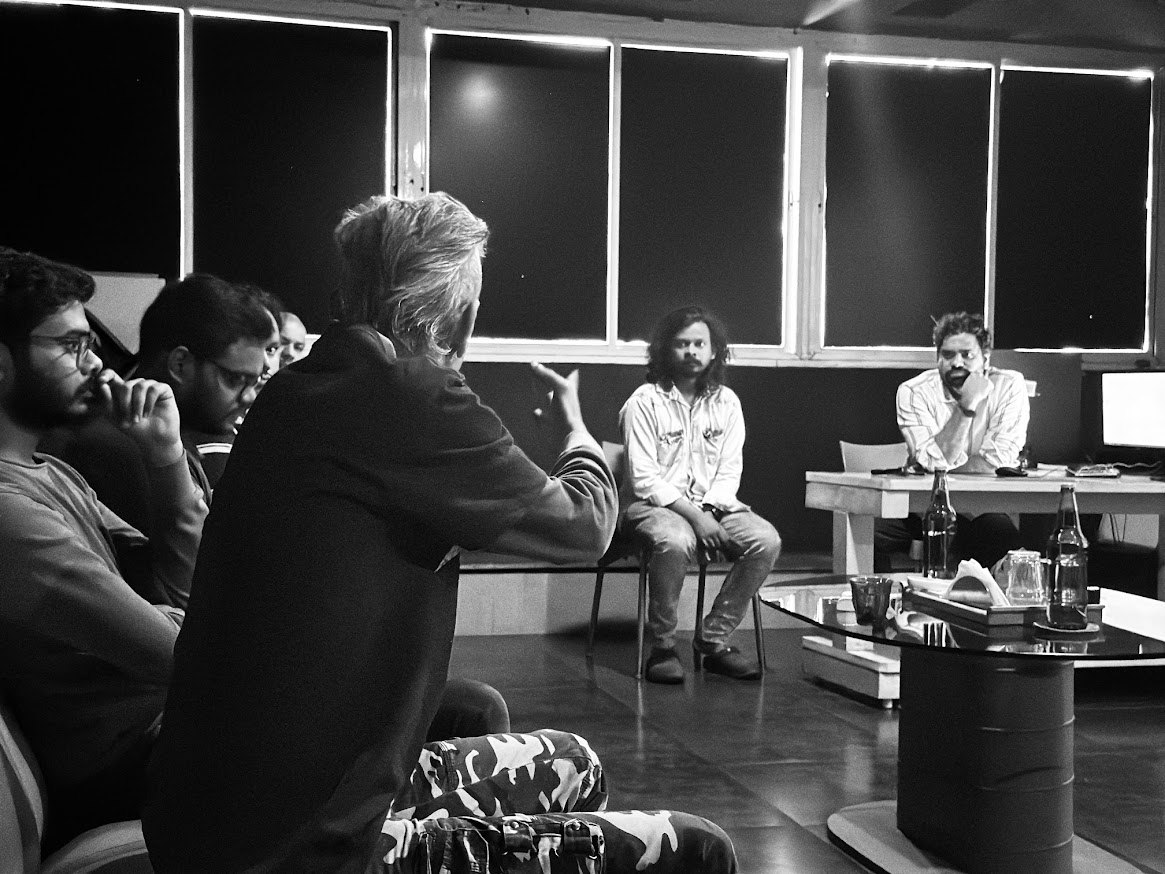
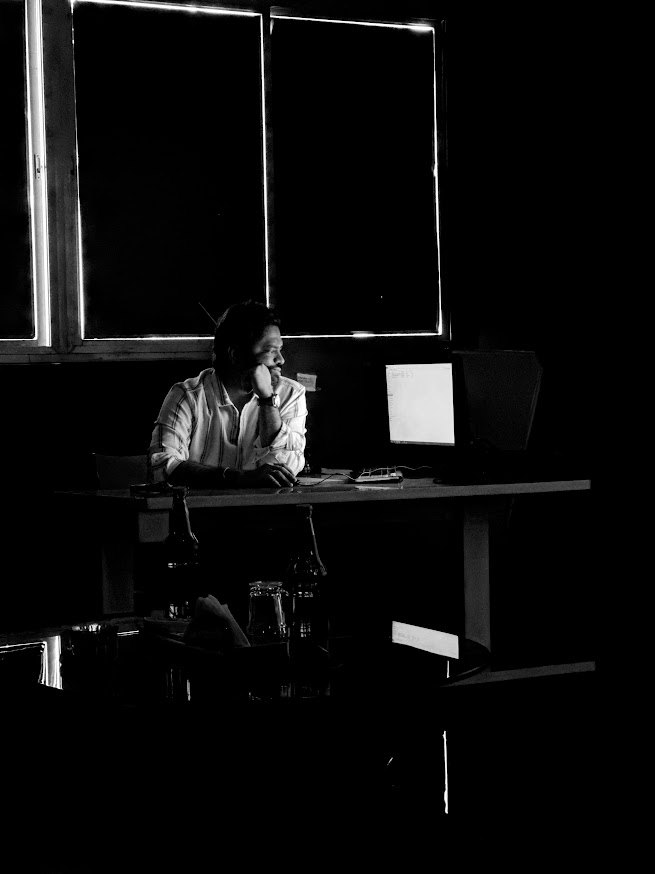
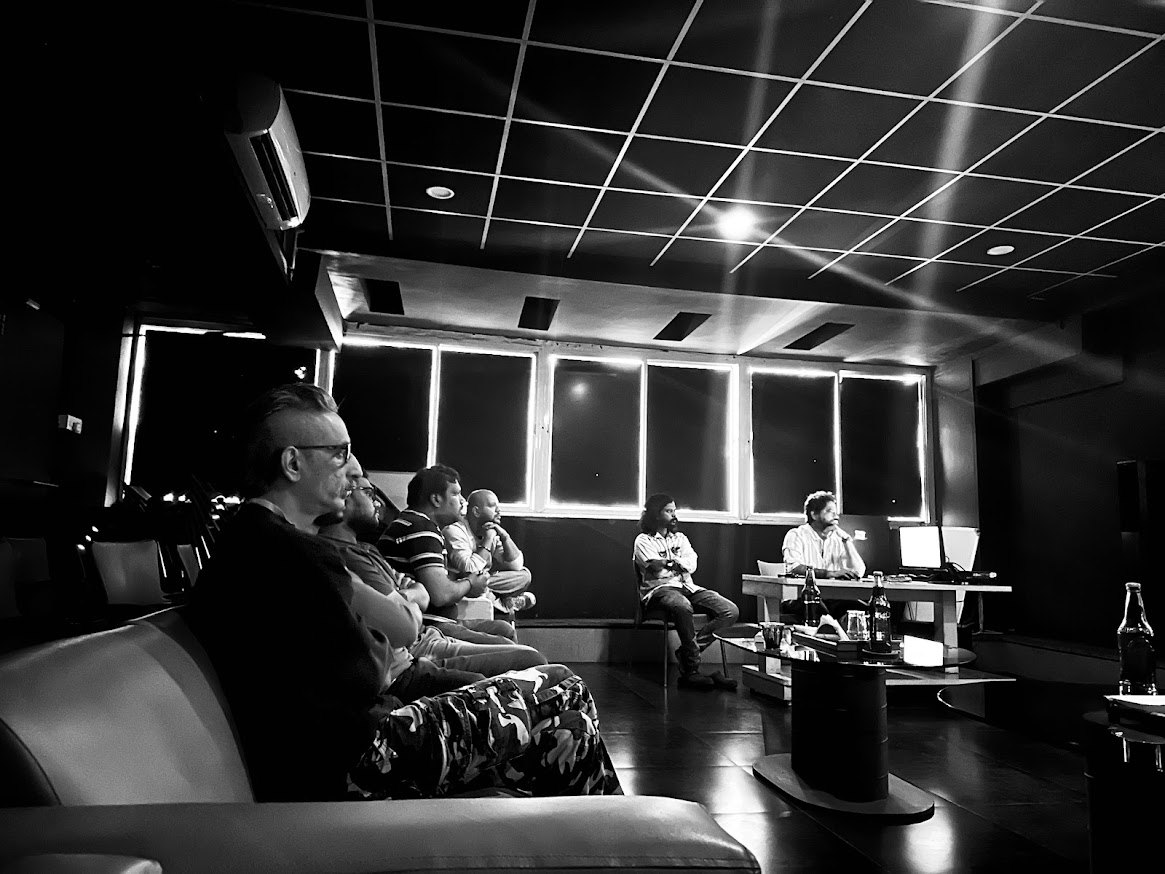
Built in the room with industry pioneers.
Lucy Labs built the current version of these tools in partnership with Firefly Creative Studio, a working Hyderabad house whose supervisors have spent decades getting shots out the door.

Put the tools on a real shot.
We're onboarding studios now. Write to us for a demo, an evaluation USB stick, or pricing. You'll hear back from the people who build the tools, not a sales team, within two working days.
Thanks! We'll be in touch within two working days.
A confirmation is on its way to your inbox. If it's urgent, reply to that thread and it reaches the team directly.